WhatsApp Pay & UPI: How to Accept Payments on WhatsApp in India (2026)
WhatsApp Pay lets customers pay you over UPI without leaving the chat — no app switching, no screenshots. This 2026 guide covers WhatsApp Pay's status in India, the two ways businesses can accept payments (native UPI vs payment links), how to set each up, the limits, the fees, and how to automate the whole thing.

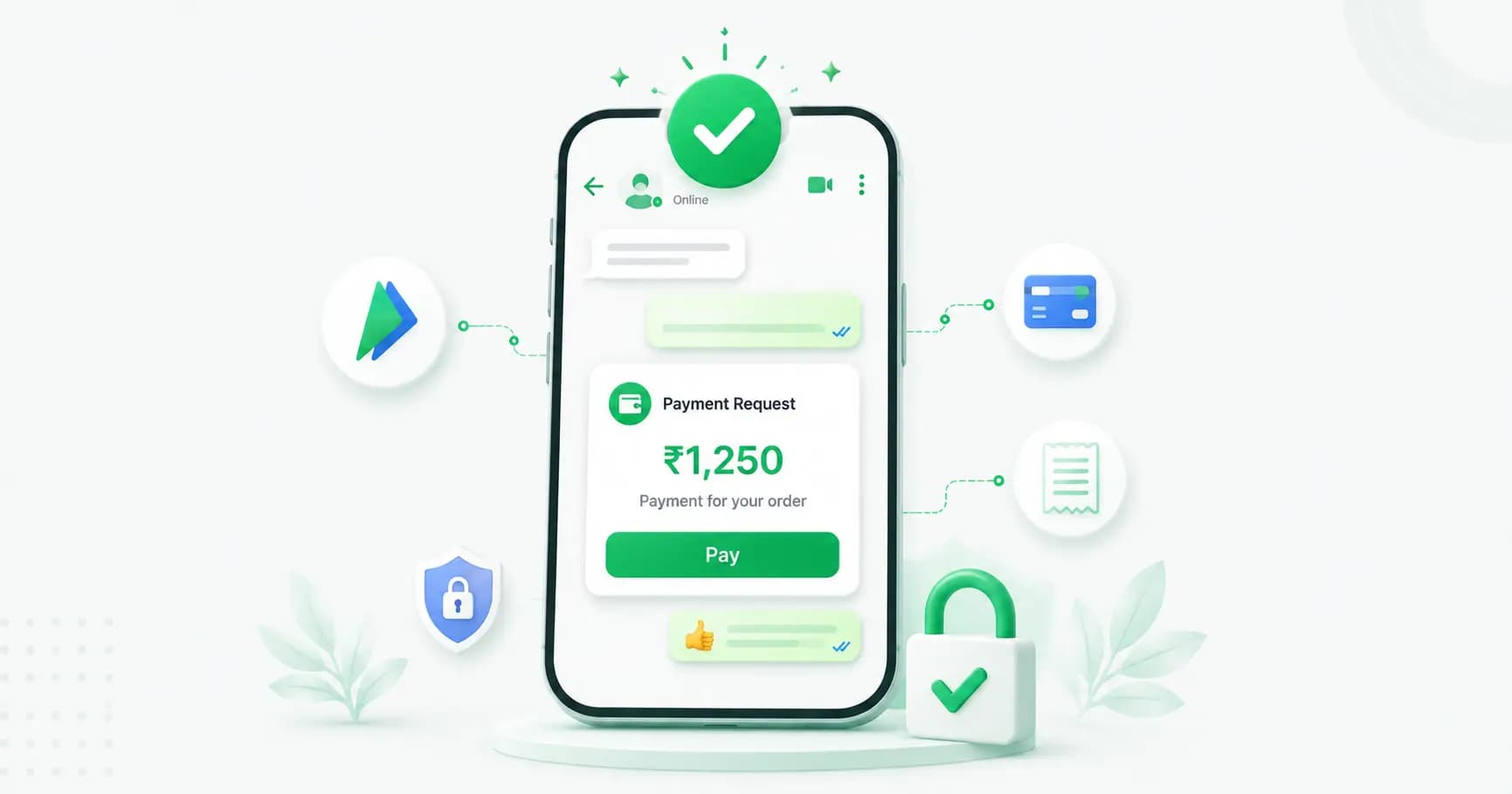
On this page
You know the routine. A customer says "I'll take it," then leaves WhatsApp, opens their banking app, copies your UPI ID, pays, comes back, and sends you a screenshot. You check it manually. Somewhere in that shuffle, a chunk of customers simply don't come back.
WhatsApp payments fix that — the customer pays inside the conversation, and confirmation is automatic. Here's exactly how it works in India in 2026, the two ways to set it up, and which one is right for your business.
What is WhatsApp Pay?
WhatsApp Pay is an in-chat payment feature built on UPI, India's real-time payments system run by NPCI. It's the same underlying rail as Google Pay or PhonePe — the difference is that the payment happens inside the WhatsApp conversation instead of a separate app.
Customers authorise each payment with their own UPI PIN, and transactions are governed by the NPCI–UPI framework overseen by the RBI. WhatsApp Pay is currently live in India and Brazil (Brazil runs on local rails via Meta Pay rather than UPI).
WhatsApp Pay's status in India in 2026
Worth knowing, because a lot of older articles are out of date:
- The user cap is gone. NPCI removed the 100-million-user onboarding limit at the end of 2024, so WhatsApp Pay is available to its entire India user base.
- Per-transaction limit: ₹1,00,000, set by NPCI. Fine for most retail, but high-ticket sellers (jewellery, appliances, B2B) need a fallback for larger orders.
- No cross-border payments. WhatsApp Pay ties to local payment infrastructure, so you need a registered Indian business entity or a licensed local payment partner.
- UPI itself is free for consumers — there's no NPCI fee on standard consumer UPI payments, though your payment service provider may charge business fees.
How customers use WhatsApp Pay
For the person paying, it's three taps: open the chat, tap the payment request or attachment (₹) icon, enter their UPI PIN. That's it — no app switching, no copying a VPA, no screenshot. First-time users link a bank account inside WhatsApp, verified against the phone number registered with their bank.
That simplicity is the whole point: removing app-switching is reported to cut payment drop-off substantially — up to around 40% fewer abandoned payments.
The two ways businesses accept payments on WhatsApp
This is the part most guides skip, and it matters for choosing correctly.
| | Native WhatsApp Pay (UPI) | Payment links / gateway |
|---|---|---|
| How it works | Customer pays via UPI inside the chat | You send a secure payment link in the chat |
| Payment methods | UPI only | UPI, cards, netbanking, wallets, EMI |
| Order value limit | ₹1,00,000 per transaction | Set by your gateway (much higher) |
| Setup | API + registered Indian business + payment partner | Connect a gateway to your WhatsApp platform |
| Best for | Fast, small-to-mid ticket sales | Any value, wider payment choice, easier setup |
Most Indian businesses in 2026 use both — native UPI for quick, everyday orders, and payment links for larger orders or customers who want to pay by card or EMI. Gateways commonly used here include Razorpay, PhonePe, PayU, Cashfree and Zoho.
Whichever route you pick, the important part is the same: the payment happens in the chat, and confirmation is automatic — no more screenshot-checking.
What you need to accept payments on WhatsApp
- The [WhatsApp Business API](https://splashifypro.com/blog/whatsapp-business-api-guide), not the free Business app. The free app can display a catalog, but it can't automate payment requests, confirmations or order workflows.
- A registered Indian business (or a licensed local payment partner).
- A payment gateway account if you're using payment links.
- A messaging platform that connects your catalog, orders and payments so the whole flow is automated.
How to set it up, step by step
1. Get on the WhatsApp Business API through a provider — usually live within one to two hours.
2. Connect your payment method — enable native UPI payments through your provider, and/or connect your gateway (Razorpay, PhonePe, PayU, Cashfree).
3. Set up your catalog so products, prices and order values flow through automatically. (See [how to sell on WhatsApp](https://splashifypro.com/blog/how-to-sell-on-whatsapp-store-catalog-setup).)
4. Build the payment flow — when a customer confirms an order, the system sends a payment request or link with the correct amount, no manual typing.
5. Automate confirmation — when payment succeeds, trigger an order confirmation message and start tracking updates. This is where the real time-saving is.
6. Test end to end with a small live transaction before going live properly.
What you can automate once payments are connected
- Order confirmation — payment succeeds, confirmation message fires instantly.
- [Abandoned cart recovery](https://splashifypro.com/blog/whatsapp-abandoned-cart-recovery-shopify) with a payment link attached, so recovery is one tap.
- COD-to-prepaid conversion — offer a small discount to pay upfront via link. This cuts RTO losses, and it's especially valuable during [festive season](https://splashifypro.com/blog/diwali-whatsapp-marketing) when return rates spike.
- Invoices and reminders — send a payment link with each invoice and automate follow-ups.
- Bookings and deposits — collect payment at the moment of booking via [WhatsApp Flows](https://splashifypro.com/blog/whatsapp-flows).
- Subscription and renewal reminders with a pay-now button.
Fees and costs
Three separate things get confused here:
- UPI transaction fees: standard consumer UPI payments carry no NPCI fee. Business fees depend on your payment service provider.
- Payment gateway fees: typically a small percentage per transaction, set by your gateway — check their current rates.
- WhatsApp message costs: separate from payments. Order confirmations and payment reminders are usually utility templates, which are much cheaper than marketing messages, and replies within the 24-hour service window are free. Estimate yours with our [pricing calculator](https://splashifypro.com/whatsapp-pricing-calculator).
Limits and things to plan around
- ₹1 lakh per transaction on native UPI — have a payment-link fallback for bigger orders.
- India-only. No cross-border WhatsApp Pay; overseas customers need a different route.
- Not available on the free app for automated business flows.
- Payment ≠ fulfilment. WhatsApp Pay handles the money only. Order tracking, shipping updates and "where is my order" replies come from your platform and chatbot.
Best practices
- Never ask for payment screenshots. Automated confirmation is faster, more reliable and looks far more professional.
- Send the exact amount in the request — manual entry invites errors and disputes.
- Confirm instantly. A payment with no confirmation message makes customers anxious and generates support queries.
- Offer a choice — UPI for speed, a link for cards and EMI.
- Keep receipts in the thread, so the customer has a record where they'll actually look for it.
- Never ask for UPI PINs, OTPs or card details in chat. No legitimate business does this, and asking destroys trust instantly.
How Splashify Pro automates WhatsApp payments
[Splashify Pro](https://splashifypro.com/products/whatsapp-payment-automation) connects payments to the rest of your WhatsApp workflow — Razorpay, PhonePe, PayU, Cashfree, Zoho and Stripe integrations, automatic payment requests with the right amount pulled from your catalog, instant confirmation messages, cart recovery with payment links, and COD-to-prepaid conversion flows. Your customer pays in chat, your system confirms, your order updates fire automatically. Nothing manual, no screenshots.
Frequently asked questions
Is WhatsApp Pay available in India in 2026?
Yes. WhatsApp Pay is live in India on the UPI network, and NPCI removed the earlier 100-million-user onboarding cap at the end of 2024, making it available to WhatsApp's entire India user base. It's also available in Brazil on local payment rails.
How do I accept payments on WhatsApp as a business?
Two ways: native WhatsApp Pay (UPI in-chat), or payment links from a gateway like Razorpay, PhonePe, PayU or Cashfree sent inside the chat. Both need the WhatsApp Business API rather than the free app, plus a registered Indian business. Most businesses use both — UPI for speed, links for larger orders and card payments.
What is the WhatsApp Pay transaction limit?
NPCI sets a per-transaction cap of ₹1,00,000 for WhatsApp Pay in India. For higher-value orders, use a payment link through your gateway instead, which supports larger amounts.
Does WhatsApp Pay charge a fee?
Standard consumer UPI payments carry no NPCI fee. Businesses may pay fees to their payment service provider or gateway, which vary by provider. WhatsApp message costs are separate — order confirmations are typically low-cost utility templates.
Can I use WhatsApp Pay on the free WhatsApp Business app?
Not for automated business payments. The free app can show a catalog, but automated payment requests, confirmations and order workflows require the WhatsApp Business API through a provider.
Is WhatsApp Pay safe?
Yes. It runs on the NPCI-governed UPI framework overseen by the RBI, and every payment requires the customer's own UPI PIN. That said, no legitimate business will ever ask you for your UPI PIN, OTP or card details in a chat — treat any such request as a scam.
Can international customers pay me through WhatsApp Pay?
No. WhatsApp Pay ties to local payment infrastructure and doesn't support cross-border payments. For overseas customers, use an international payment gateway link instead.
How do I automate order confirmation after payment?
Connect your payment provider to your WhatsApp platform so a successful payment triggers an automatic confirmation message, followed by shipping and tracking updates. This removes manual screenshot-checking entirely and is standard on platforms like Splashify Pro.
The bottom line
Asking a customer to leave WhatsApp, pay elsewhere and send you a screenshot costs you sales — quietly, on every order. In 2026 there's no reason for it: UPI works inside the chat, payment links cover everything UPI can't, and confirmation can be fully automatic.
Set it up once, and the entire path from "I'll take it" to "your order is confirmed" happens in one conversation.
[Automate WhatsApp payments with Splashify Pro →](https://app.splashifypro.com/auth/signup) — UPI and gateway integrations, automatic payment requests and instant order confirmation. Start free for 14 days.
Related posts
More articles you might find useful.
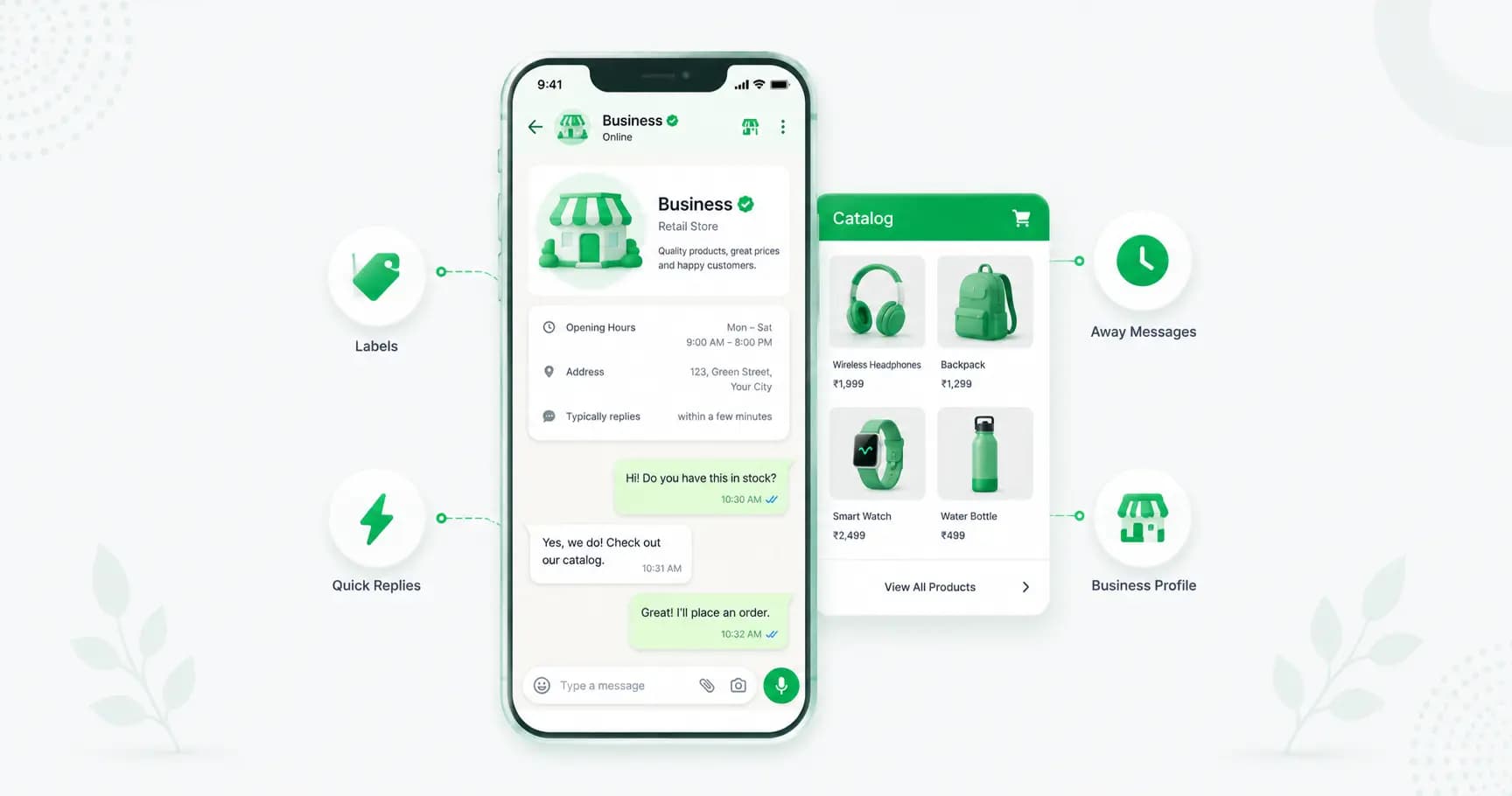
WhatsApp Business App: The Complete Guide for 2026 (Setup, Features & Limits)
The WhatsApp Business app is free, takes five minutes to set up, and is genuinely enough for most small businesses. This 2026 guide covers how to download and set it up, every feature explained (catalog, labels, quick replies, auto-replies, broadcasts), the real limits, and exactly when you've outgrown it.
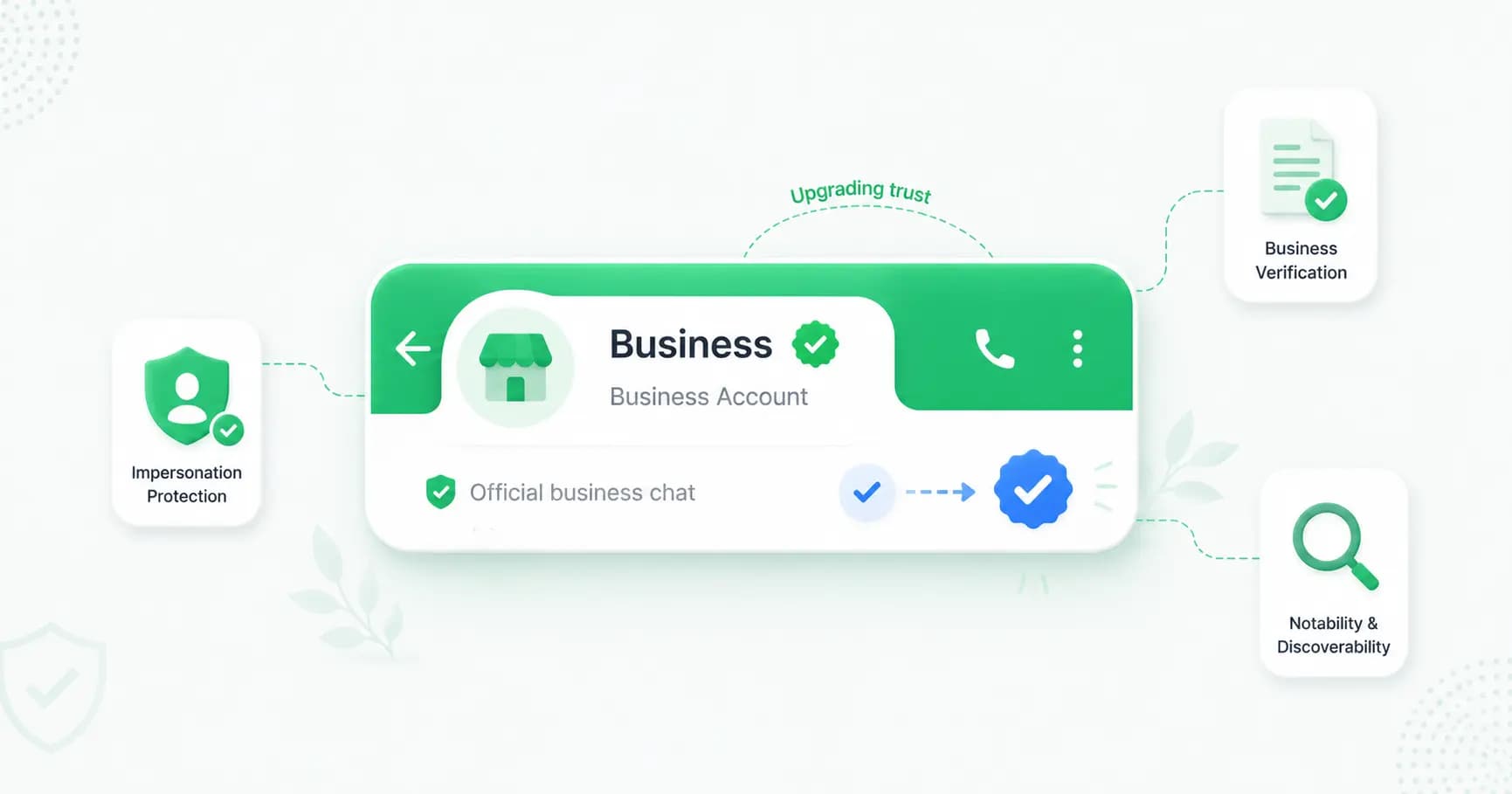
How to Get the WhatsApp Green Tick (Verified Badge) in 2026
The WhatsApp green tick is Meta's verified business badge. This 2026 guide explains the green vs blue tick confusion, the two ways to get verified — the free notability route and paid Meta Verified — the requirements, the step-by-step process, realistic timelines, and why applications get rejected.
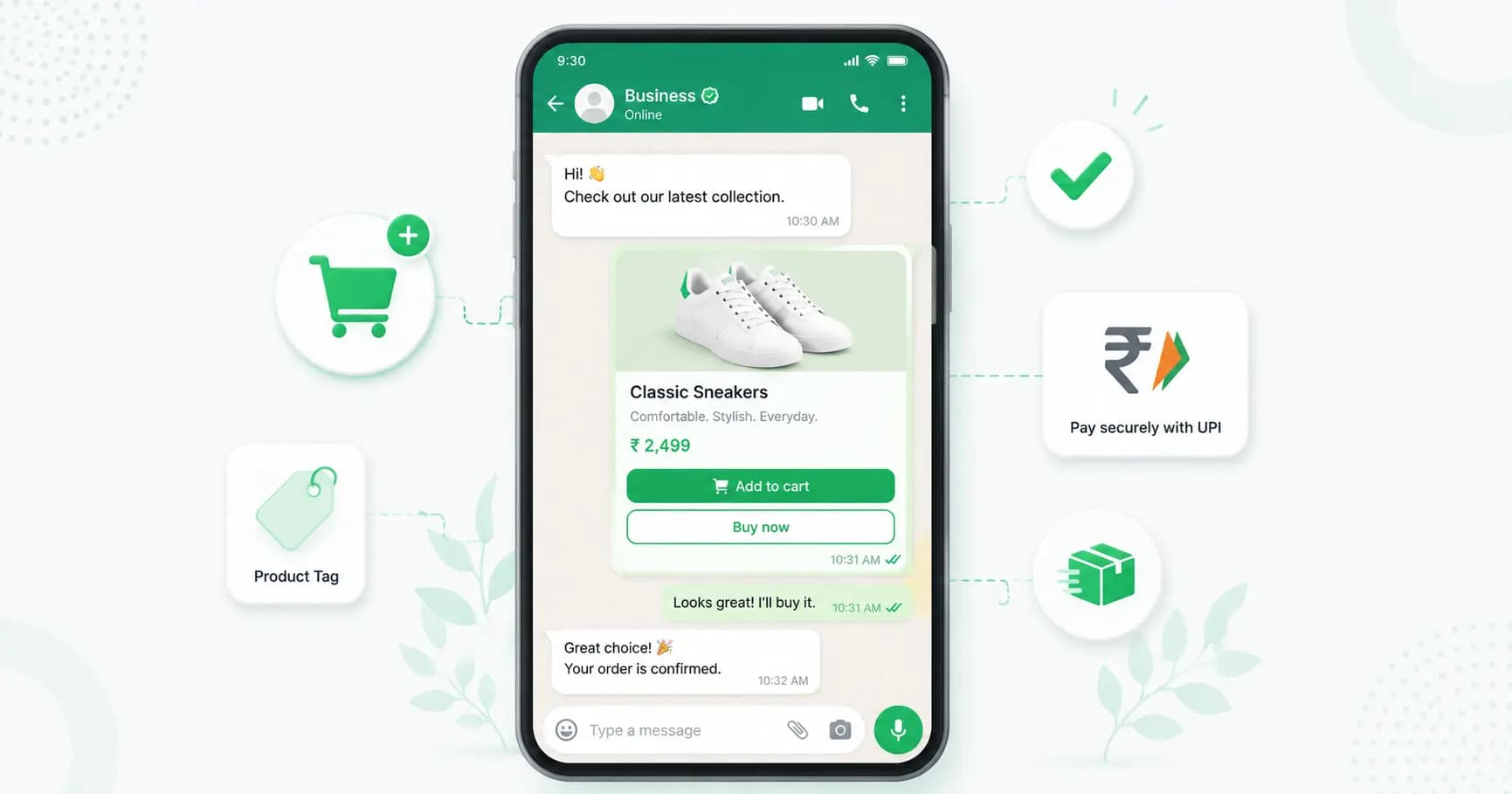
How to Sell on WhatsApp: WhatsApp Store & Catalog Setup (2026)
Learn how to sell on WhatsApp in 2026 — set up a catalog, cart and checkout, take UPI payments, automate orders, and skip the 25-30% commissions aggregators charge. A step-by-step WhatsApp store and catalog setup guide for India.